
Use the Receiver Test to Find Out Why Your Fireplace Will Not Respond
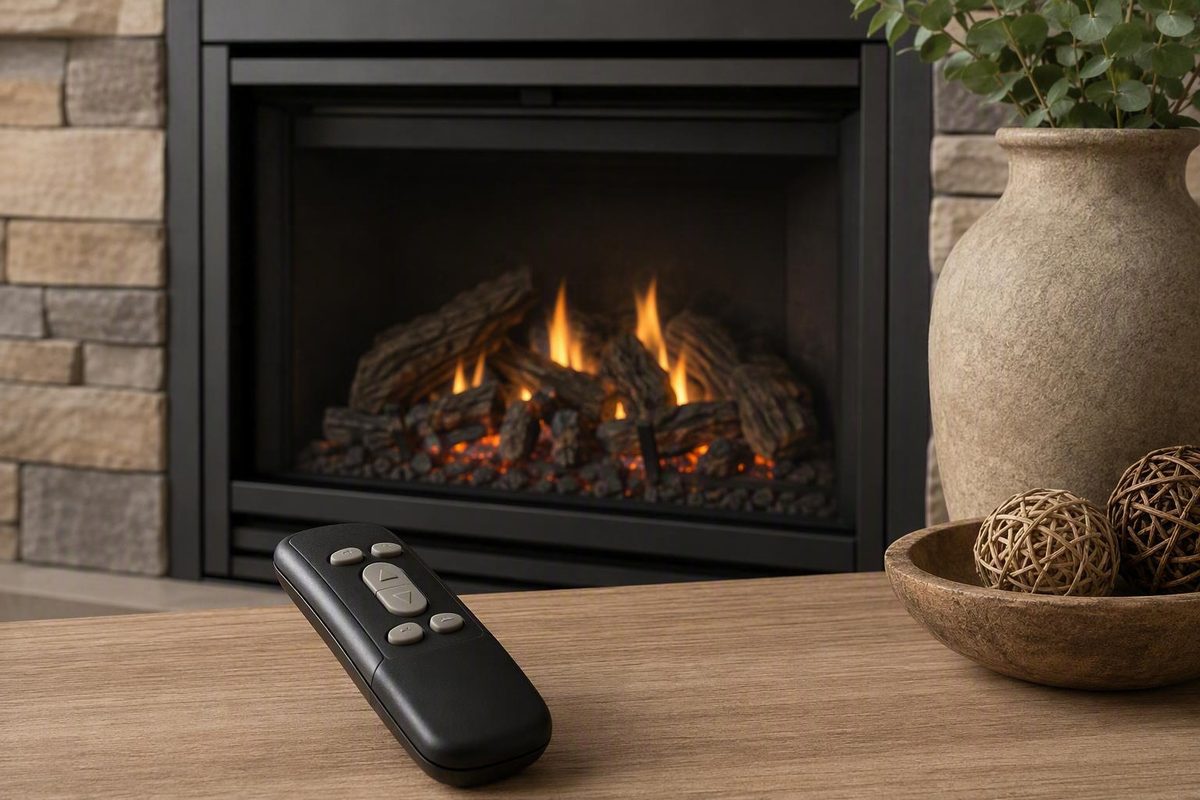
If your Skytech fireplace remote is not working and no gas odor is present, replace the batteries in both the handheld transmitter and receiver, record the model number of each component, and check the receiver’s documented manual ON setting—if it has one. If the fireplace lights manually, concentrate on receiver mode, batteries, pairing, range, compatibility, and transmitter settings. If it does not light, limit further work to external checks permitted by the fireplace manual and arrange qualified service.
Five-minute checks before resetting anything
Gas-valve, internal wiring, and appliance-control work belong to a qualified fireplace technician, as emphasized in this gas-fireplace remote-control guidance.
Start with fresh batteries even if the handheld display or indicator light still works. An illuminated display shows that the transmitter has power; it does not establish that the receiver is powered, that the two components are paired, or that the fireplace can ignite.
Replace the batteries in:
- The handheld transmitter
- The receiver, if it is battery-powered
Follow the polarity marks inside each compartment. Battery sizes and quantities vary by model, so use the specifications printed on the component or stated in its manual rather than assuming that all Skytech systems use the same batteries.
While the batteries are out, inspect only the accessible contacts. Corrosion or residue can interfere with electrical contact. Do not dismantle the receiver or attempt an invasive repair. A cracked battery holder, extensive corrosion, melted plastic, scorched wiring, or other heat damage warrants service or replacement.
Test the transmitter from a few feet away. Metal surrounding the fireplace can reduce radio range, so a close-range test can help distinguish poor range from a complete loss of communication.
Finally, check the receiver’s switch position. Many receivers have OFF, REMOTE, and ON positions, with REMOTE used for handheld operation. Those labels and functions are not universal; use the position specified for your exact receiver.
Five-minute checklist
- [ ] No gas odor is present
- [ ] The fireplace is off before inspection
- [ ] Both battery sets have been replaced
- [ ] Battery polarity has been checked
- [ ] The receiver is in its documented remote-control position
- [ ] The transmitter has been tested from a few feet away
Find the receiver and record both model numbers
A separate receiver box is commonly found in the lower control cavity beneath the firebox, although fireplace configurations differ. Follow the fireplace manual when opening a decorative access panel. Do not remove sealed panels or reach into a hot or inaccessible compartment.
On an accessible receiver, look for:
- A battery compartment
- Switch labels such as OFF, REMOTE, or ON
- An antenna wire
- A model or date-code label
- A LEARN button or another coding mechanism
- Visible external control wires
Photograph the receiver before changing anything. Include the full label, switch position, battery orientation, antenna, and visible connections. Inspect without disconnecting or altering the gas-valve wiring.
Record the complete model number from both the handheld transmitter and receiver. “Skytech,” a similar case shape, or matching colors do not establish compatibility. Transmitters and receivers that look alike can use different programming methods or support different functions.
Older systems may use banks of small DIP switches rather than a LEARN button. These systems generally depend on a matching, model-specific switch pattern in the transmitter and receiver. Photograph the existing pattern and find the correct instructions before moving a switch.
If either label is missing or difficult to read, photograph all remaining markings and compare them with Skytech’s model-identification material. The official Skytech support page includes a model-number video, battery guidance, general troubleshooting resources, and guides for several model families. If identification remains uncertain, send Skytech photographs of both components rather than selecting instructions by appearance.
Do not proceed to pairing until you have identified the transmitter and receiver or Skytech has confirmed which instructions apply.
Run the receiver ON test and follow the result
For a receiver with a documented manual ON position, that setting provides a useful diagnostic split. First verify in the exact instructions that the receiver has this feature and that ON commands manual burner operation. Turn the fireplace off before accessing the receiver, then operate the switch only as directed.
| Test result | What it suggests | Next safe action |
|---|---|---|
| Fireplace lights in manual ON | The appliance can respond through the receiver’s manual circuit; attention shifts toward the wireless-control path | Return the receiver to its documented remote position, then check batteries, range, pairing, compatibility, and transmitter settings |
| Fireplace does not light in manual ON | The receiver, visible connections, appliance controls, pilot or gas-control position, safety circuit, thermopile, valve, or ignition system may be involved | Perform only external checks expressly allowed by the fireplace manual; arrange service if operation is not restored |
| Receiver beeps or clicks but no flame appears | A command may be reaching part of the control system while the appliance-side circuit is not completing | Stop before gas-valve or internal wiring work and request qualified diagnosis |
These are fault-area indicators, not component-level diagnoses. General fireplace-remote guidance supports using manual operation to separate wireless-control questions from possible appliance-side problems, but the exact configuration depends on the fireplace, ignition system, valve, and receiver.
If manual ON works, it does not prove whether the transmitter or receiver is defective. Possible wireless-path issues include the receiver’s normal operating position, weak or incorrectly installed batteries, lost pairing, limited range, incompatible components, a transmitter lock, or another model-specific setting.
If manual ON fails, it does not prove that the receiver, thermopile, valve, or any other individual component has failed. Likewise, a click or beep does not establish that the receiver and appliance-side circuit are fully functional.
After a failed manual test, restrict homeowner checks to external items specifically identified in the fireplace manual. Depending on the appliance, those may include pilot status, the gas control’s normal operating position, a wall or rocker switch, and readily visible damage or loose external connections. Do not perform jumper tests, continuity tests, valve adjustments, or internal wiring diagnosis.
Re-pair the remote only with the correct model procedure
There is no universal pairing or reset sequence for every Skytech remote. The receiver position, transmitter button, timing, and confirmation sounds can vary. Treat the exact transmitter-and-receiver instructions as a hard gate: do not start pairing merely because your receiver has a button labeled LEARN.
Once the applicable manual confirms the procedure, a LEARN-button sequence may follow this general pattern:
- Place the receiver in the operating position specified by the manual.
- Briefly press and release LEARN.
- Wait for the specified pairing indication.
- Promptly press ON or MODE on the transmitter, as directed.
- Check for the confirmation described for that model.
This list explains what you may encounter in a manual; it is not a substitute for the model-specific sequence. ON and MODE are not interchangeable unless the instructions say they are. The correct starting switch position, response window, and beep sequence can also differ.
A brief LEARN press is used for pairing in some systems. A prolonged hold may perform a different operation, including clearing stored codes. Secondary retailer instructions describe holding LEARN for approximately 10–15 seconds on some receivers, but that number must not be transferred to an unidentified model; use it only if the exact instructions confirm the procedure (secondary Skytech troubleshooting guide).
Clearing codes unnecessarily can leave a previously recognized transmitter unpaired without correcting the original fault. If the receiver does not have a LEARN button, do not substitute a generic reset. Look for matching DIP switches, a timed button sequence, or another programming method documented for that transmitter-receiver pair.
Skytech’s support index includes general material and guides for multiple programmable, thermostat, and basic remote families. Choose instructions using both component model numbers—not the appearance of the handheld unit alone.
Match the symptom to the next safe check
Lost pairing is only one explanation for a nonresponsive fireplace. Match the observed behavior to a low-risk next step rather than repeatedly resetting the receiver.
| Symptom | Area to check | Safe next step |
|---|---|---|
| No response and no receiver beep | Receiver power, battery polarity, switch position, range, pairing, or compatibility | Replace both battery sets, test nearby, verify receiver mode, and use the exact pairing guide |
| Intermittent or short-range response | Weak batteries, metal shielding, visible antenna condition, or receiver placement | Install fresh batteries, reduce the distance, and inspect the visible antenna without altering it |
| Receiver beeps or clicks without ignition | Receiver-to-appliance control path or another appliance-side condition | Stop after manual-approved external checks and arrange qualified diagnosis |
| Fireplace turns on but will not turn off | Receiver left in manual ON, control wiring problem, or receiver relay fault | Return the receiver to its normal remote position; discontinue use and request service if control is not restored |
| Thermostat mode appears inactive | Setpoint, room-temperature reading, selected mode, lock, or programming | Compare every displayed setting with the exact model instructions |
| Receiver beeps unexpectedly | Model-specific warning, programming response, or operating condition | Use the applicable manual or Skytech’s beeping-receiver guide |
Commercial service guidance identifies weak batteries and interference as possible causes of intermittent operation, while a receiver left in ON, shorted control wiring, or a failed relay may be considered when a fireplace will not turn off. These are possibilities rather than confirmed diagnoses (Skytech symptom guidance).
For intermittent operation, note whether the remote works only near the fireplace or at a particular angle. Record the approximate distance rather than assuming the system should achieve a universal range. A close-only pattern makes batteries, shielding, the visible antenna, and receiver placement reasonable items to report to support.
If the fireplace will turn on but not off, first verify that the receiver was not left in manual ON after testing. If moving it to the documented normal position does not restore control, discontinue use. Do not bypass the receiver or modify its control wires.
Thermostat operation requires different checks from basic ON/OFF operation. Confirm that thermostat mode is selected, the setpoint is calling for heat, the displayed room temperature is plausible, the keypad is not locked, and any schedule matches the model instructions before concluding that hardware has failed.
Do not assign a universal meaning to a beep count or pattern. A sound used for pairing on one receiver may indicate something different on another.
Know when to stop and what to give support
Call a qualified fireplace technician for any of the following:
- Gas odor
- Melted, scorched, cracked, or extensively corroded components
- Suspected internal wiring trouble
- A fireplace that remains on when normal control cannot be restored
- A receiver click or beep without ignition
- Failed manual ON operation after permitted external checks
- An integrated electronic-ignition system requiring appliance-level diagnosis
Do not use jumper wires, meter-based continuity tests, frequency adjustments, gas-valve repairs, or permanent bypasses as homeowner troubleshooting steps.
Contact Skytech for model-specific programming instructions, compatibility confirmation, unexplained receiver beeps, or help determining whether the transmitter and receiver should work together.
Skytech support
- Phone: 855-498-8324
- Email: info@skytechpg.com
- Hours: Monday through Friday, 8:30 a.m.–5 p.m. EST
These contact details and the available model-specific resources are listed on the official Skytech support page.
Before contacting Skytech or a technician, collect:
- Handheld transmitter model number
- Receiver model number
- Photographs of both labels
- Battery types installed in each component
- Receiver switch position
- Result of the documented manual ON test
- Whether the receiver beeped or clicked
- Approximate working range if operation is intermittent
- When the problem began
- Photographs of visible corrosion, antenna damage, loose external connections, or heat damage
A transmitter-only replacement may be reasonable after exact compatibility and the required programming method have been confirmed. Do not order by brand name or appearance alone: a same-brand or similar-looking transmitter may not communicate with the installed receiver.
The practical sequence is to replace both battery sets, identify both components, verify the receiver’s documented operating position, and perform the manual test only if the model provides one. If manual operation works, use the exact Skytech pairing instructions. If it fails—or the receiver responds without ignition—stop before gas-valve or internal wiring work and arrange qualified service.